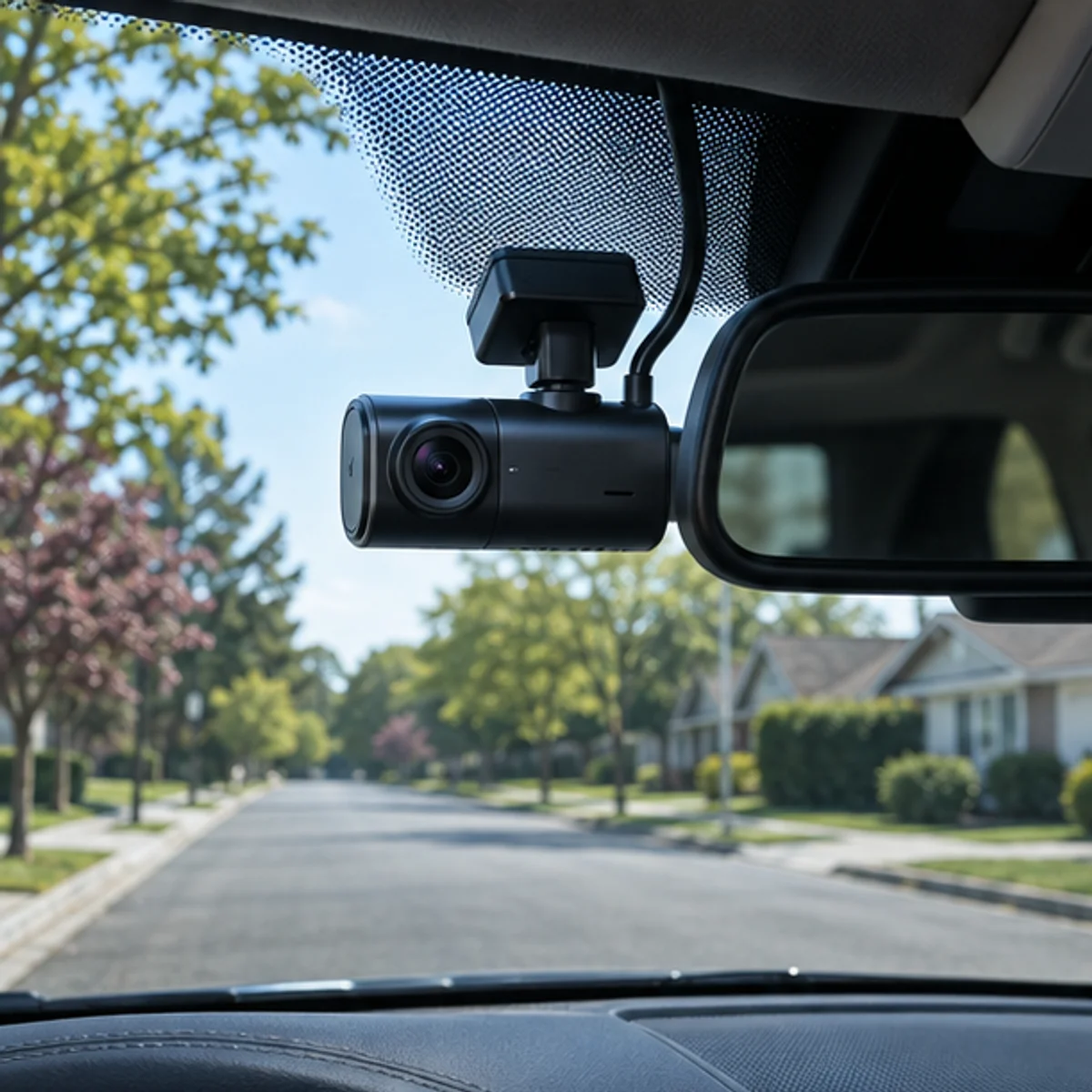
 01 / PLACEMENT
Mount for a clear view
Check visibility, cable routing, and vehicle guidance.
A practical space for owners to compare installs, recording settings, card capacity, and everyday footage workflows.
01 / PLACEMENTCheck visibility, cable routing, and vehicle guidance.
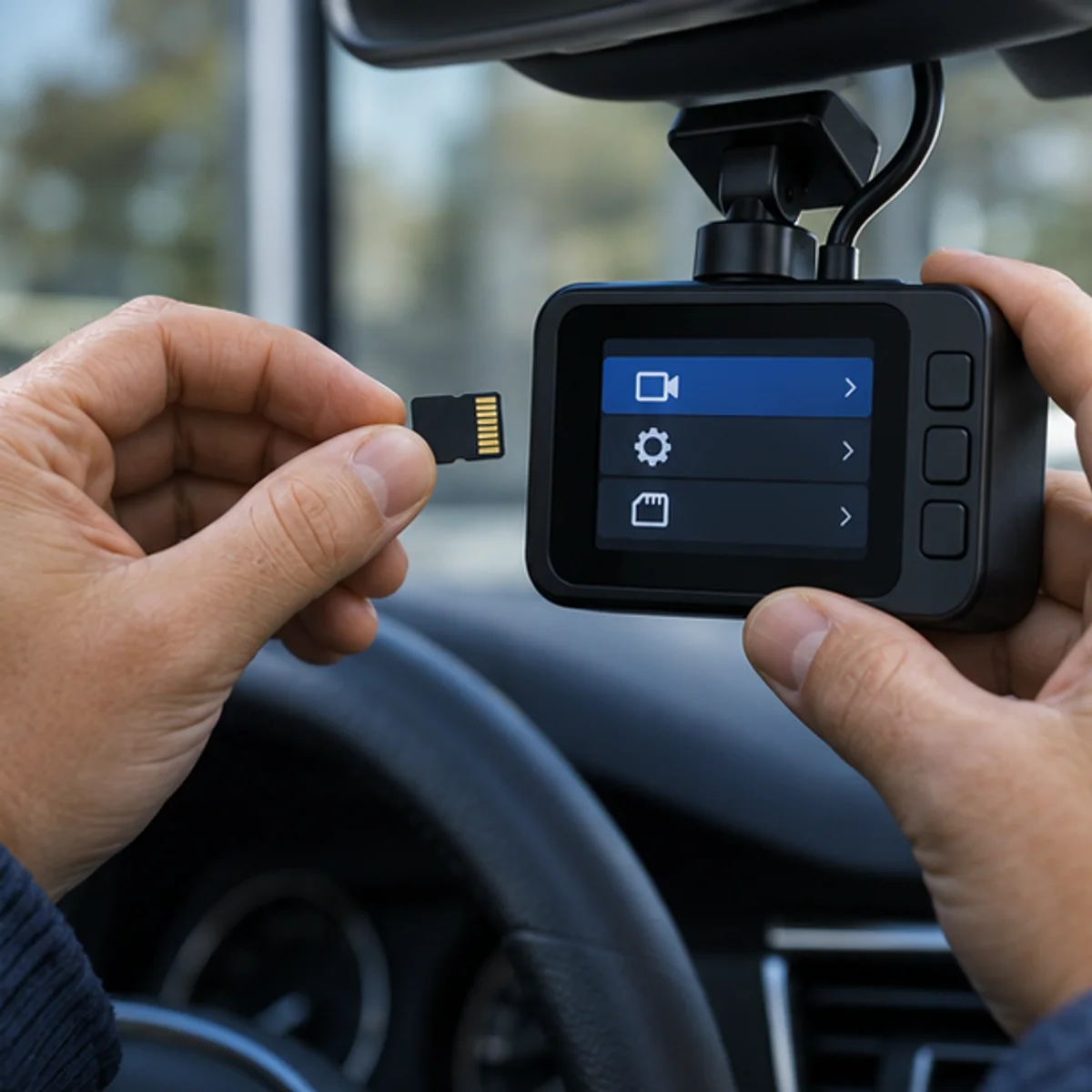 02 / STORAGE
Capacity depends on bitrate, channels, and locked clips.
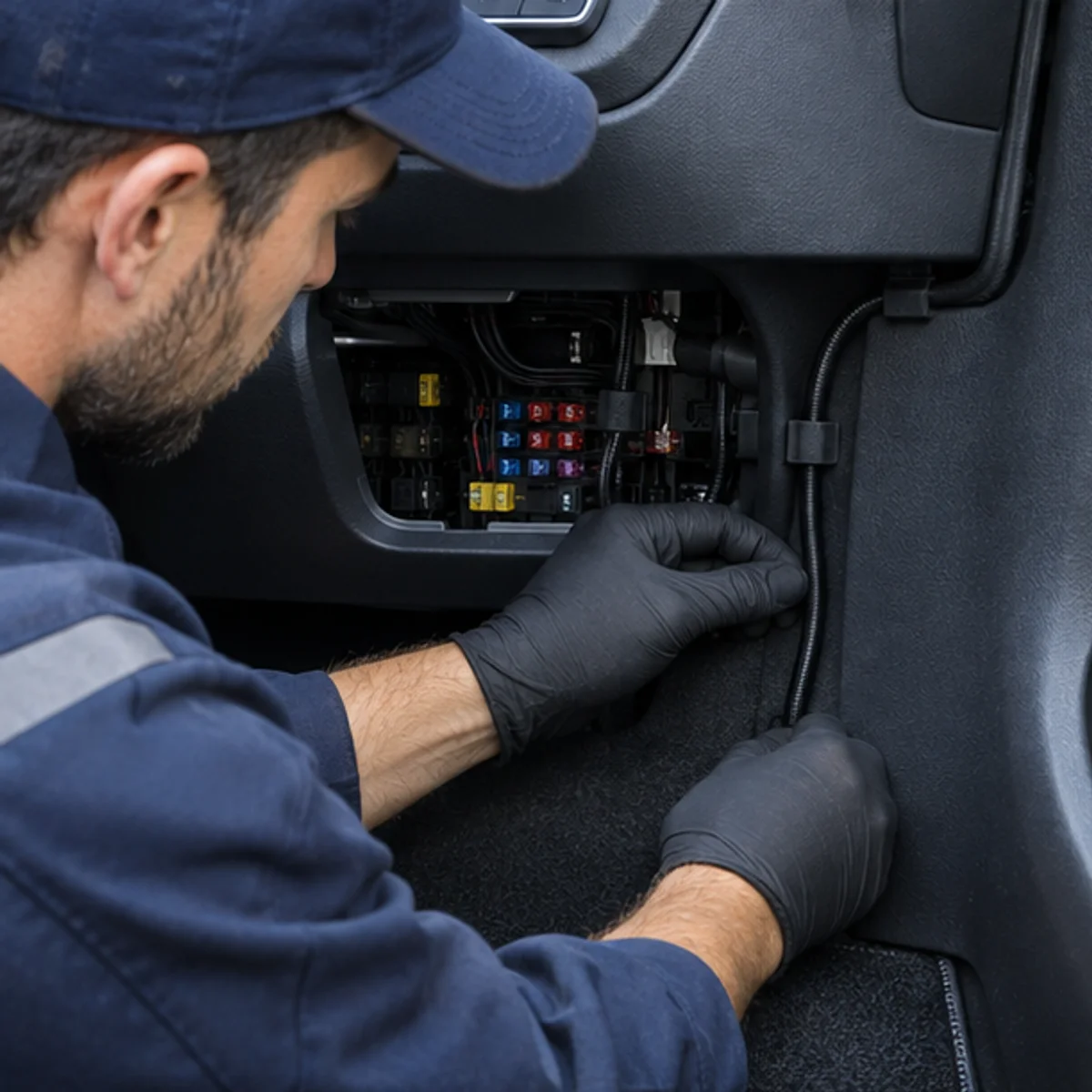 03 / POWER
Compare accessory power and hardwire requirements.
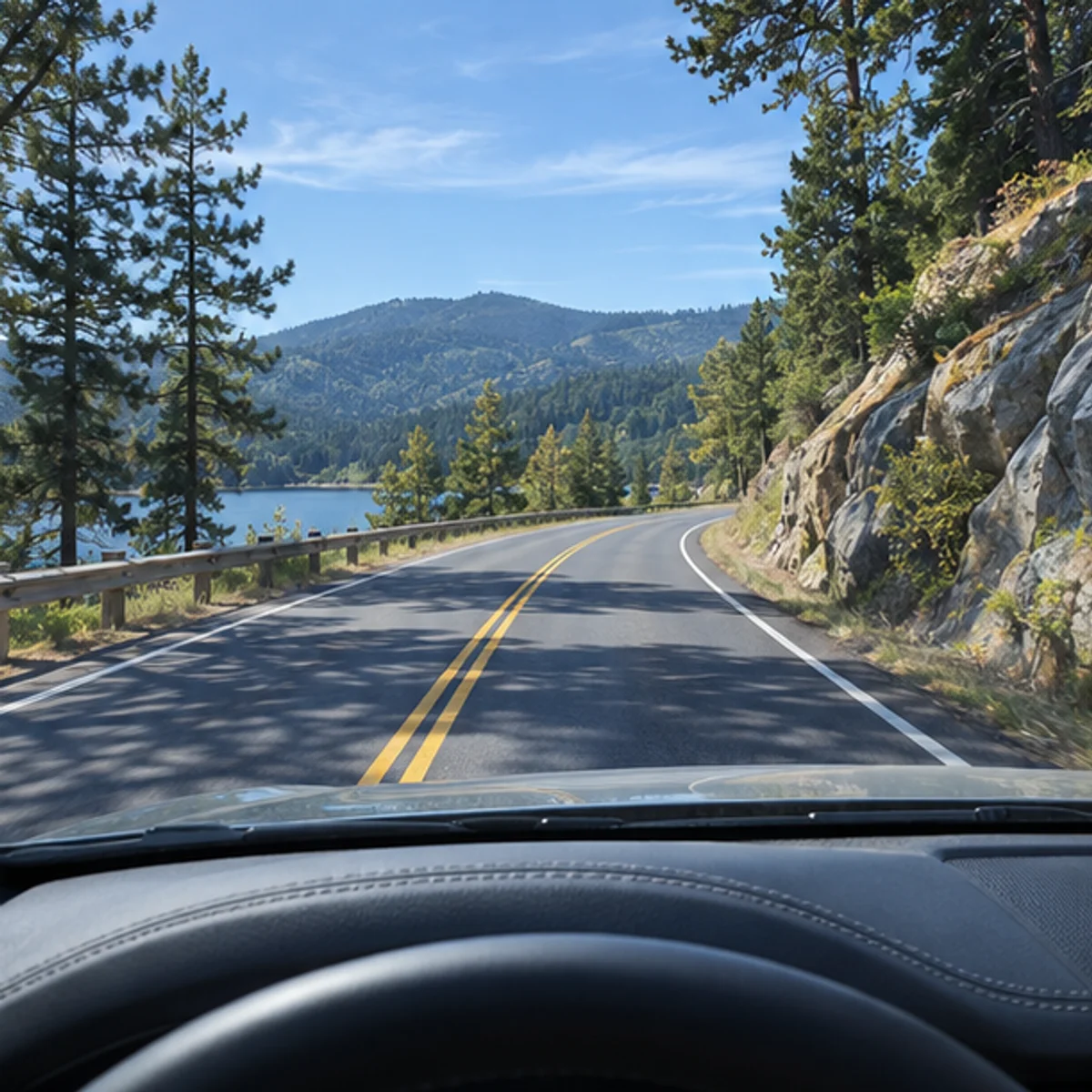 04 / FOOTAGE
Protect bystanders' privacy when handling recordings.
Start with a real question or describe your own setup. The first contribution will appear here.
Use the recording bitrate and channel count from your camera settings. This is a rough capacity estimate, not a device compatibility recommendation.
Confirm the camera does not obstruct your view and is mounted per the vehicle and device instructions.
Verify card type, format process, clip length, and how protected recordings are handled.
Review parking-mode power draw, low-voltage cutoff, and your responsibility when sharing video.
Road Record is a place to compare camera setup choices and learn from honest owner experience. Device manuals and qualified installers remain the right source for product-specific and vehicle-specific instructions.
This static preview saves posts, replies, votes, bookmarks, and join state in this browser. Shared accounts, a server database, moderation, and cross-device sync are not connected.